
A sudden drop in website traffic can be stressful, but the most important step is diagnosing the cause before making changes.
Traffic declines can result from search ranking changes, technical issues, algorithm updates, or shifts in how users search for information.
The key is identifying what actually changed.
Step 1: Check Google Search Console Data
The first place to start is Google Search Console.
Review the Performance report and compare your data before and after the traffic drop.
Focus on four key metrics:
- impressions
- clicks
- average position
- click-through rate (CTR)
Each metric can reveal a different type of problem.
If Impressions Dropped
If impressions decline, your pages are appearing less often in search results.
Possible causes include:
- competitors outranking your pages
- algorithm updates
- pages removed from the index
- lost authority signals
- content no longer matching search intent
If Impressions Stayed the Same but Clicks Dropped
If impressions are stable but clicks declined, people are seeing your page but choosing another result.
This can happen when:
- competitors improved their titles or descriptions
- ads or new features appear above your listing
- AI summaries answer the question directly
Search results increasingly include AI-generated explanations that can reduce clicks to traditional listings.
If Average Position Dropped
A ranking drop usually indicates stronger competition or content that no longer matches search intent.
Common causes include:
- competitors publishing better content
- outdated information on your pages
- weak internal linking
- declining authority signals
Step 2: Check for Recent Website Changes
Website changes are one of the most common causes of traffic loss.
Ask yourself:
- Was the site recently redesigned?
- Were URLs changed?
- Were pages removed or renamed?
If pages were moved without proper 301 redirects, search engines may treat them as entirely new pages.
For example:
Old URL
website.com/service-pageNew URL
website.com/services/service-page
Without redirects, rankings associated with the old page may disappear.
Step 3: Test Your Website Speed
Website performance can influence search visibility and user engagement.
Slow-loading pages may cause visitors to leave before the page loads.
You can test your website using:
This tool evaluates:
- loading speed
- mobile performance
- technical improvements
Improving performance can help both search rankings and user experience.
Step 4: Look for Changes in Search Results
Search results have changed significantly in recent years.
Search engines now display a variety of elements above traditional organic listings, including:
- featured snippets
- local map results
- ads
- AI-generated summaries
These features can push traditional results lower on the page and reduce clicks.
How to View Unbiased Search Results
To properly evaluate search results, it’s helpful to view them the way a typical user would.
Because search engines personalize results based on your browsing history and past searches, the results you see may not reflect what most users see.
A useful approach is to:
- open a browser you rarely use
- use a private or incognito window
- avoid being logged into your Google account
This reduces personalization and helps reveal how search results appear to new users.
Users may also continue researching through AI assistants such as:
- ChatGPT
- Gemini
- Perplexity AI
If another website provides clearer answers to the question users are asking, traffic may shift toward those sources.
Updating content so it directly answers common questions can help restore visibility in modern search results.
If AI Results Are Replacing Your Website Traffic
In some cases, AI summaries or answer engines may appear above your website in search results. When this happens, traffic can shift toward websites that provide clearer explanations or more structured content.
Understanding how search engines and AI systems select sources can help businesses adapt their content strategy.
If AI results have replaced your visibility in search, Tampa Web Tech can help analyze what changed and recommend strategies to regain visibility.
While you are searching, look at your Google Business profile. I had one company listed as closed. I also noticed that competitors had targeted the exact company name with their ad copy, which is against Google guidelines, so report those ads.
Step 5: Check Competitor Movement
Sometimes traffic drops because competitors improve their websites.
Look at search results for your most important keywords and ask:
- Have new competitors appeared?
- Are competitors publishing better guides or resources?
- Are their pages more helpful or detailed?
Search rankings are relative. If others improve, your visibility can decline even if your website hasn’t changed.
Step 6: Verify Analytics Tracking
Before assuming traffic dropped, verify that your analytics tools are working properly.
Traffic reports can change when:
- tracking scripts are removed
- analytics settings change
- cookie consent tools block tracking
Confirm that your analytics data is being collected correctly.
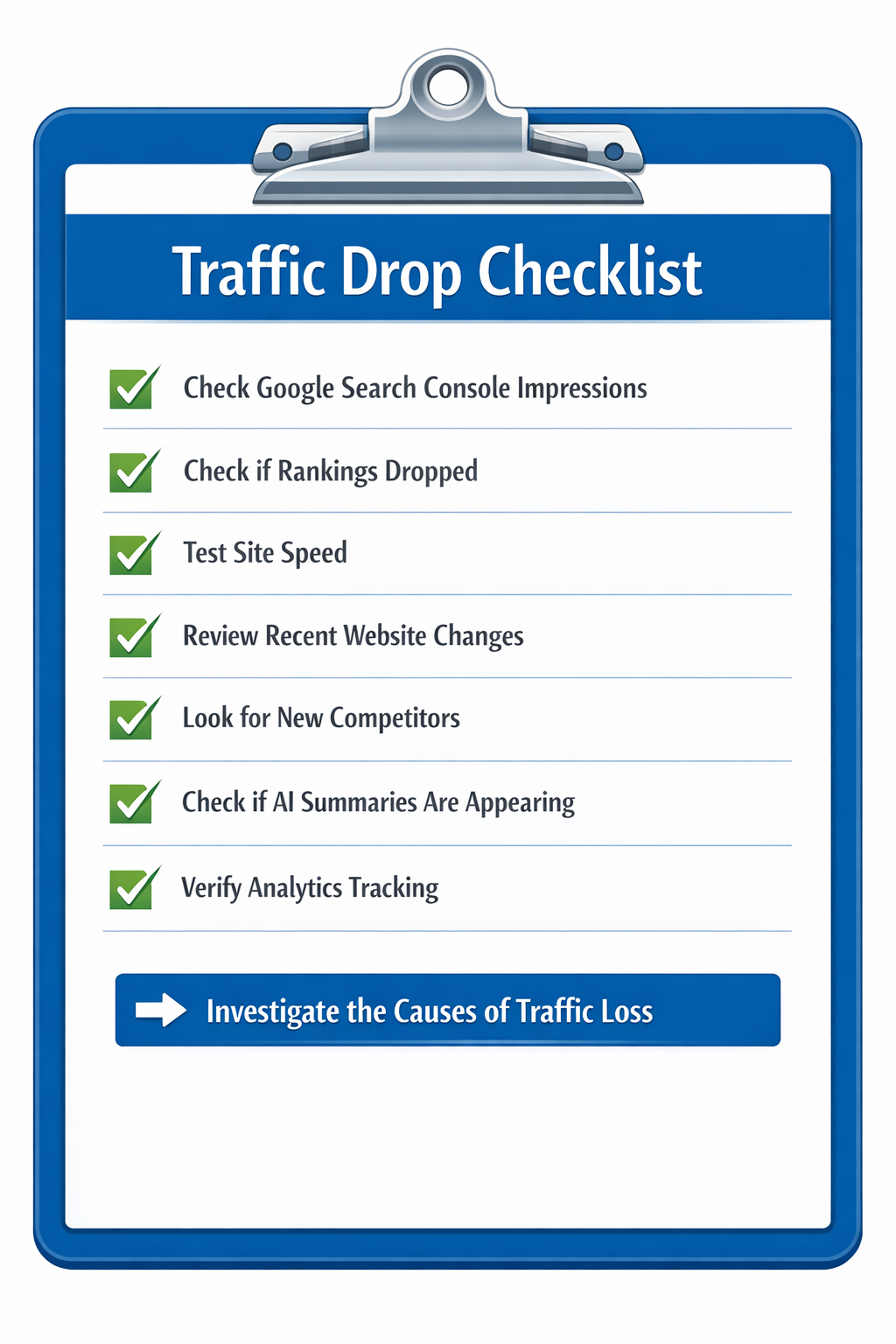
Traffic Drop Diagnostic Checklist
✓ Check Search Console impressions
✓ Check ranking position changes
✓ Compare click-through rate
✓ Review recent website changes
✓ Test page speed
✓ Look for competitor improvements
✓ Verify analytics tracking
Diagnosing the Real Cause
Traffic drops rarely have a single cause.
A proper analysis often involves reviewing:
- search visibility trends
- technical website health
- competitor activity
- content quality
- changes in search behavior
Understanding what changed is the first step toward rebuilding traffic.