
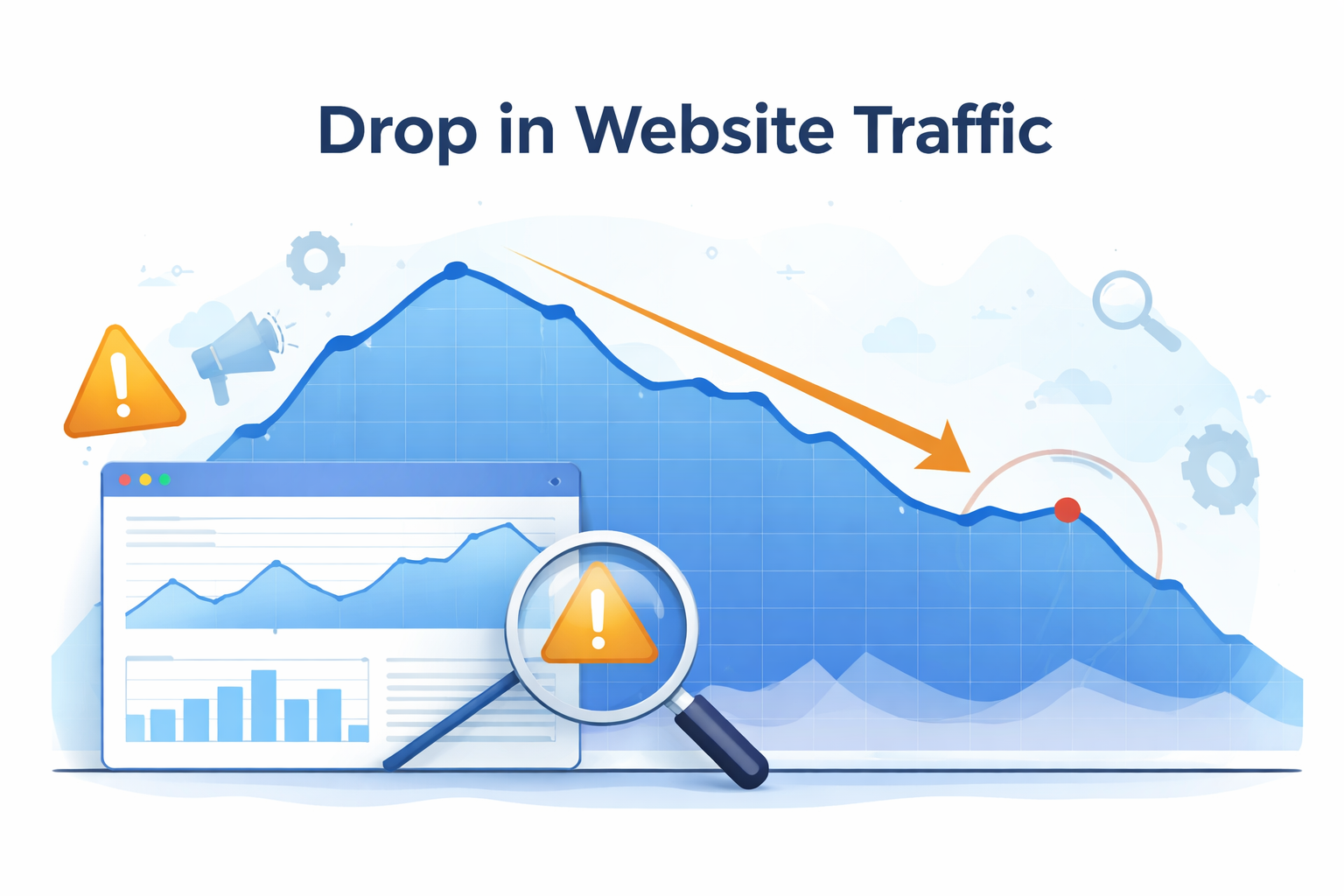
A drop in website traffic can be frustrating, especially when your business relies on search visibility for leads or sales.
The good news is that most traffic declines can be recovered once the underlying cause is identified.
The key is focusing on the right fixes rather than making random changes.
Step 1: Identify What Actually Changed
Before trying to fix anything, determine what type of traffic decline occurred.
Use Google Search Console to review:
- impressions
- clicks
- average position
- click-through rate (CTR)
These metrics reveal whether the problem is caused by:
- ranking loss
- lower click-through rates
- reduced search demand
- indexing problems
Understanding the difference prevents unnecessary changes that could make the problem worse.
Step 2: Update and Improve Existing Content
One of the most effective ways to recover traffic is improving the pages that previously ranked well.
Search engines favor content that is:
- helpful
- clear
- accurate
- up to date
Updating older pages can include:
- expanding explanations
- adding new sections
- improving headings and structure
- answering related questions users search for
Content that clearly answers user questions is more likely to appear in modern search results.
Step 3: Fix Redirect and Website Structure Issues
Traffic drops often occur after website changes.
If URLs were modified during a redesign or platform change, ensure that 301 redirects were properly implemented.
For example:
Old URL
website.com/service-pageNew URL
website.com/services/service-page
Without a redirect, search engines may treat the new page as unrelated to the original page, causing rankings to disappear.
Redirects help transfer authority and preserve search visibility.
Step 4: Improve Page Speed and User Experience
Search engines consider website performance when evaluating pages.
Slow websites often experience higher bounce rates and lower engagement.
You can test your website performance using:
Improving page speed can involve:
- optimizing images
- reducing unnecessary scripts
- improving hosting performance
- enabling caching
These improvements can help both search rankings and user satisfaction.
Step 5: Strengthen Internal Linking
Internal links help search engines understand how pages on your site are connected.
When improving content, look for opportunities to link related pages together.
For example:
- linking supporting articles to main service pages
- connecting related blog posts
- improving navigation between important pages
Strong internal linking can help search engines rediscover and re-evaluate your content.
Step 6: Adapt Content for Modern Search Behavior
Search behavior is evolving.
Many users now ask questions through AI systems such as:
- ChatGPT
- Gemini
- Perplexity AI
Content that clearly answers questions and provides structured information is more likely to appear in AI-generated summaries.
Updating pages to include:
- clear explanations
- FAQ sections
- structured headings
- schema markup
can help improve visibility in both search engines and AI systems.
Step 7: Monitor Competitor Improvements
Sometimes traffic drops because competitors improve their websites.
Search rankings are relative. If competitors publish stronger content, improve their technical performance, or gain more authority signals, they may move ahead in search results.
Review search results for your most important keywords and ask:
- Are competitors publishing better guides or resources?
- Are their pages more detailed or helpful?
- Are they answering the question more clearly?
In some cases, competitors may be investing more in search visibility through content, technical improvements, or digital PR.
Several tools can help analyze competitor performance and keyword rankings, including:
- Ahrefs
- Moz
- SEMrush
These platforms allow you to:
- compare keyword rankings
- identify new competitor content
- analyze backlinks and authority signals
- track changes in search visibility
Understanding how competitors are improving their visibility can help identify opportunities to strengthen your own content and search strategy.
Traffic Recovery Checklist
✓ Identify the type of traffic drop
✓ Update and improve existing content
✓ Fix redirect issues
✓ Improve page speed
✓ Strengthen internal linking
✓ Adapt content for AI search behavior
✓ Monitor competitor improvements
Recovering Traffic Takes Time
Search visibility rarely returns overnight.
Once improvements are made, search engines need time to crawl, index, and re-evaluate the updated pages.
Consistently improving content and addressing technical issues can gradually rebuild search visibility and traffic.