
Your Website Should Qualify
Opportunities. Right Now It Doesn’t.
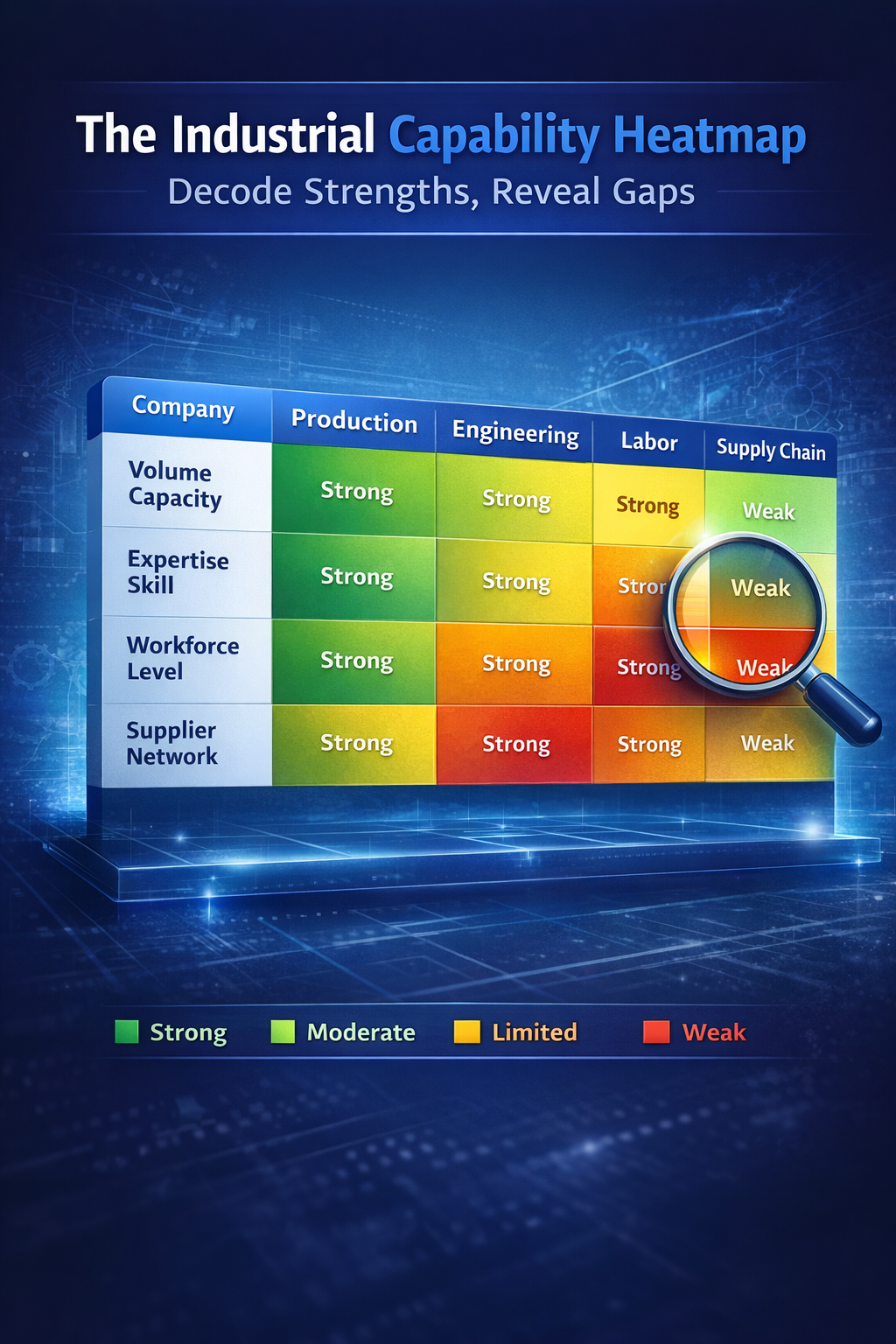
The Industrial Capability Heatmap is a structured qualification layer for fabrication companies that are tired of reviewing requests that were never buildable.
Most fabrication websites are built like brochures. They describe what a shop does. They don’t help an engineer or buyer determine whether a specific request — given tonnage, bed size, material form, and freight realities — actually fits. That gap costs estimator time. It delays quotes. It reduces margins on jobs that should have been redesigned before they ever reached your floor.
- ✓Flags Red Zone conditions — tonnage limits, bed size constraints, shipping length triggers — before an estimator opens the file
- ✓Guides buyers toward viable alternatives rather than dead-ending on a rejection
- ✓Built on real operational logic tables, not generalized assumptions
- ✓Delivers better-scoped leads to your estimating team, not more volume
More Leads Is Not the Goal.
Better-Scoped Opportunities Are.
Estimating is one of the most skilled and time-constrained functions in a fabrication shop. Every hour an estimator spends reviewing a request that was never realistically buildable — or that requires three rounds of back-and-forth to scope correctly — is an hour not spent quoting jobs the shop can actually win at margin.
The requests that create the most internal friction are rarely submitted by bad buyers. They’re submitted by engineers and procurement teams who had no way of knowing that a 156-inch weldment would trigger a shipping-method change, or that a 1-inch 316L plate at their stated dimensions sits outside normal press brake assumptions for that gauge. The website gave them nothing to work with. So they guessed.
- Oversized plate requests that exceed machine bed capacity — submitted without any dimensional prompt
- Weldments over 12 feet submitted without freight consideration, requiring re-engineering or rate surprises late in the cycle
- Material grade and form combinations that suggest a tolerance requirement the buyer hasn’t explicitly stated — and may not know matters
- Single-piece designs that would be faster to fabricate and easier to ship as a multi-piece welded assembly — but no one surfaced that option at intake
- Requests that reach an estimator on a Thursday afternoon and need two clarification emails before the scope is clear
The Industrial Capability Heatmap is not a lead form with extra fields. It is a structured qualification layer that applies your shop’s real operational logic at the point of inquiry — before the request reaches your estimating queue. The jobs that reach your team are better scoped. The jobs that don’t fit are redirected early, with context, not silence.
The Translation Tax
Engineers and procurement teams who reach a fabrication website are not browsing. They have a specific need, a general sense of the specs, and a deadline. What they encounter on most industrial websites is a capability page that describes a shop’s equipment in general terms, a contact form with five fields, and nothing in between.
So they translate. They take technical requirements — a specific material grade, a dimensional envelope, a finish spec, a delivery location — and compress them into whatever the form allows. The result reaches your inbox as a vague inquiry. Your estimator opens it, realizes the scope is incomplete, and sends an email asking for clarification. The buyer responds two days later. The cycle continues.
“Every time a buyer has to translate technical requirements into a generic form, something gets lost. What reaches the estimator is a partial picture. What gets quoted — if it gets quoted at all — is built on assumptions that should have been resolved on day one.”
This is the Translation Tax. It is the compounded cost of a website that asks technical buyers to simplify what should not be simplified. It shows up as longer quoting cycles, incomplete RFQs, estimator frustration, and — in the worst cases — quotes submitted on work that was never operationally realistic.
- Describe capabilities in general terms with no operational thresholds
- Offer a generic contact form that captures name, email, and a message field
- Bury shipping or freight constraints in a capabilities PDF nobody downloads
- Provide no signal about whether a given request is straightforward or high-friction
- Force estimators to do triage on every single submission
- Leave buyers with no confidence about fit before they submit
- Applies real operational logic at the point of entry — before the submission reaches your queue
- Flags Red Zone conditions with a clear explanation and a useful next step
- Surfaces freight and shipping thresholds the moment dimensional inputs suggest an issue
- Gives buyers a confidence signal: straightforward, review-needed, or high-friction
- Delivers pre-qualified submissions that contain the context your estimator actually needs
- Reduces back-and-forth by capturing the right information upfront
The Translation Tax is not a buyer problem. It is a website architecture problem. The tool your website uses to collect inbound opportunities should understand your operation well enough to filter, guide, and qualify — not just receive.
What the Heatmap Actually Evaluates
The tool applies qualification logic across three operational dimensions. Each one maps to a real source of friction in the fabrication quoting cycle.
The tool checks submitted dimensions and material specifications against your shop’s real equipment assumptions — press brake tonnage ranges, bend radius constraints, machine bed limits, and thickness-to-length ratios that affect whether a job is straightforward or requires engineering review.
When inputs exceed normal thresholds, a Red Zone flag is triggered. The buyer is not rejected — they’re told specifically what condition was flagged and what the likely path forward is.
Not every material grade, form, and thickness combination represents the same fabrication challenge. The tool surfaces whether the stated material — alloy type, temper, surface finish requirement, or weld designation — is likely to fit the job as described, or whether it introduces a constraint the buyer may not have anticipated.
This is particularly relevant for stainless and high-alloy requests where finish continuity, weld filler compatibility, or post-weld treatment requirements can materially affect scope.
Freight is one of the most commonly overlooked sources of late-stage friction in the fabrication quoting process. A job that prices cleanly on fabrication can become a problem when a 14-foot weldment requires flatbed, or when a destination address triggers a limited-access delivery condition that wasn’t in the original scope.
The Heatmap applies dimensional and destination logic to surface freight-mode changes, oversized handling requirements, and shipping length triggers early — before the quote is built without them.
How the Industrial Capability Heatmap Works
The tool is designed to be usable by engineers, buyers, and procurement teams without instruction. The logic runs in the background. What the user sees is a clear, structured intake experience — and an honest signal about where their request sits before they hit submit.
The buyer inputs the relevant details for their request — material grade and form, dimensions, thickness, quantity, required finish, and delivery location. The tool prompts for the specific inputs your logic tables require. Nothing generic. Nothing that creates ambiguity downstream.
As inputs are entered, the tool checks them against your shop’s defined thresholds — machine tonnage assumptions, bed size limits, alloy-specific constraints, freight length triggers, and any other operational rules built into the logic table. This happens in real time, before submission.
When a specification crosses a threshold, the tool flags the condition clearly. The buyer sees which factor triggered the flag, what it means operationally, and what the most likely path forward looks like — not a dead end, but a direction.
If no Red Zone conditions exist, the buyer submits a clean, complete request. If Red Zone conditions were surfaced, the buyer can choose to revise their specs, proceed with a review-path submission, or contact your team directly.
The submission that reaches your estimating team includes all relevant specifications, any Red Zone flags that were triggered, and the buyer’s chosen path. Triage time drops. Quoting time starts on something with a real scope.
Built on Logic Tables, Not Guesswork
The Heatmap does not use generalized rules or pattern-matching estimates. It is built on a structured Logic Table — a set of operational thresholds defined specifically for your shop, your equipment, and your fulfillment realities.
The Logic Table is built with your team during implementation. Tampa Web Technologies does not apply a generic fabrication template and call it done. We work through your actual equipment specs, your real operational constraints, and your quoting history to define the thresholds that matter for your shop.
This is what separates the Heatmap from a smart form. The logic behind it is operational intelligence your estimating team already has. We build it into the tool so it runs at intake, not during triage.
What This Is Actually Worth to Your Operation
The value of the Industrial Capability Heatmap is not measured in form submissions. It is measured in the quality of what reaches your estimating team, the time your team spends on opportunities that are actually worth quoting, and the margin protection that comes from catching logistics and fabrication friction before it’s baked into a price.
Protect Estimator Capacity
Your estimating team is a constrained resource. Every hour spent triaging vague inbound requests is an hour not spent on jobs the shop can win at margin. Pre-qualified submissions mean your team opens a ticket knowing the scope — not wondering what they’re dealing with.
Shorten the Quoting Cycle
Quoting cycles extend when scope is incomplete. The back-and-forth that follows a vague inquiry — the clarification emails, the hold time, the re-submission — adds days to the timeline and friction to the buyer relationship. Remove the cause and the cycle shortens on its own.
Protect Margins on Freight-Sensitive Jobs
Freight surprises are one of the most common sources of margin erosion on fabricated assemblies. A job quoted without knowing the delivery condition or the freight-method change triggered by assembly length can easily go sideways at shipment. The Heatmap catches this before the quote is built.
Improve Lead Quality Without Reducing Volume
The goal is not to reduce inbound inquiries. It is to ensure that what comes in is better scoped, more complete, and more actionable. Buyers who encounter a friction-flagging tool before submitting arrive with better information and a more realistic expectation.
Spend More Time on Real Opportunities
The best use of your estimating team is quoting jobs the shop can build, deliver, and profit from. The Heatmap moves the triage function to the front end of the process — where it costs far less time — and gives your team back the capacity to focus on jobs that are worth quoting well.
Create a Better Buyer Experience
Technical buyers who use the tool understand why it exists. Engineers and procurement teams appreciate being told early — clearly and specifically — when a request is likely to be complicated. It signals operational seriousness before the quote conversation starts.
For shop owners specifically: the Heatmap is a margin protection tool as much as a lead qualification tool. The jobs that arrive poorly scoped and consume estimating time without converting are not free. They carry a real internal cost that most shops absorb without measuring it.
A fabrication website that qualifies before it receives is worth more than one that receives everything and sorts it out later. That is the operational argument for this tool.
Industrial Buyers Are Not Browsing.
They Are Validating.
An engineer submitting a fabrication inquiry to your website has already made a decision: they think your shop might be able to build what they need. What they are looking for at this stage is not reassurance about your company’s history or your certifications page. They are trying to determine whether this job fits, whether the timeline is realistic, and whether proceeding with a quote is worth their time and yours.
The Industrial Capability Heatmap is built for that moment. It gives the buyer a structured way to validate fit before they commit to the back-and-forth of a full quoting engagement. It reduces ambiguity on both sides. It shortens the time between inquiry and a qualified conversation.
Procurement Usability
Procurement teams need to move projects forward, not interpret vague capability descriptions. A structured intake tool that speaks the language of specifications, thresholds, and constraints makes your website more usable to the people actually driving purchase decisions.
Technical Clarity
Engineers want to know whether a request is buildable as designed, or whether it introduces constraints that will affect scope, price, or lead time. Surfacing that early — with specifics — is more useful than a generic response window of 24–48 hours.
Internal Forwarding
Industrial submissions frequently get forwarded internally before a decision is made. A Heatmap result that clearly documents what was entered, what was flagged, and what the recommended path is gives the internal reviewer exactly what they need.
The shops that earn industrial buyer preference are not always the ones with the broadest capabilities. They are the ones that make the qualification process fast, clear, and technically credible. Your website is part of that process whether it’s designed for it or not.
Enter your part details to check quote readiness before submitting. Results update live as you type.